4-Regime Auto-Detector & 1-Click Apply Regime Defaults
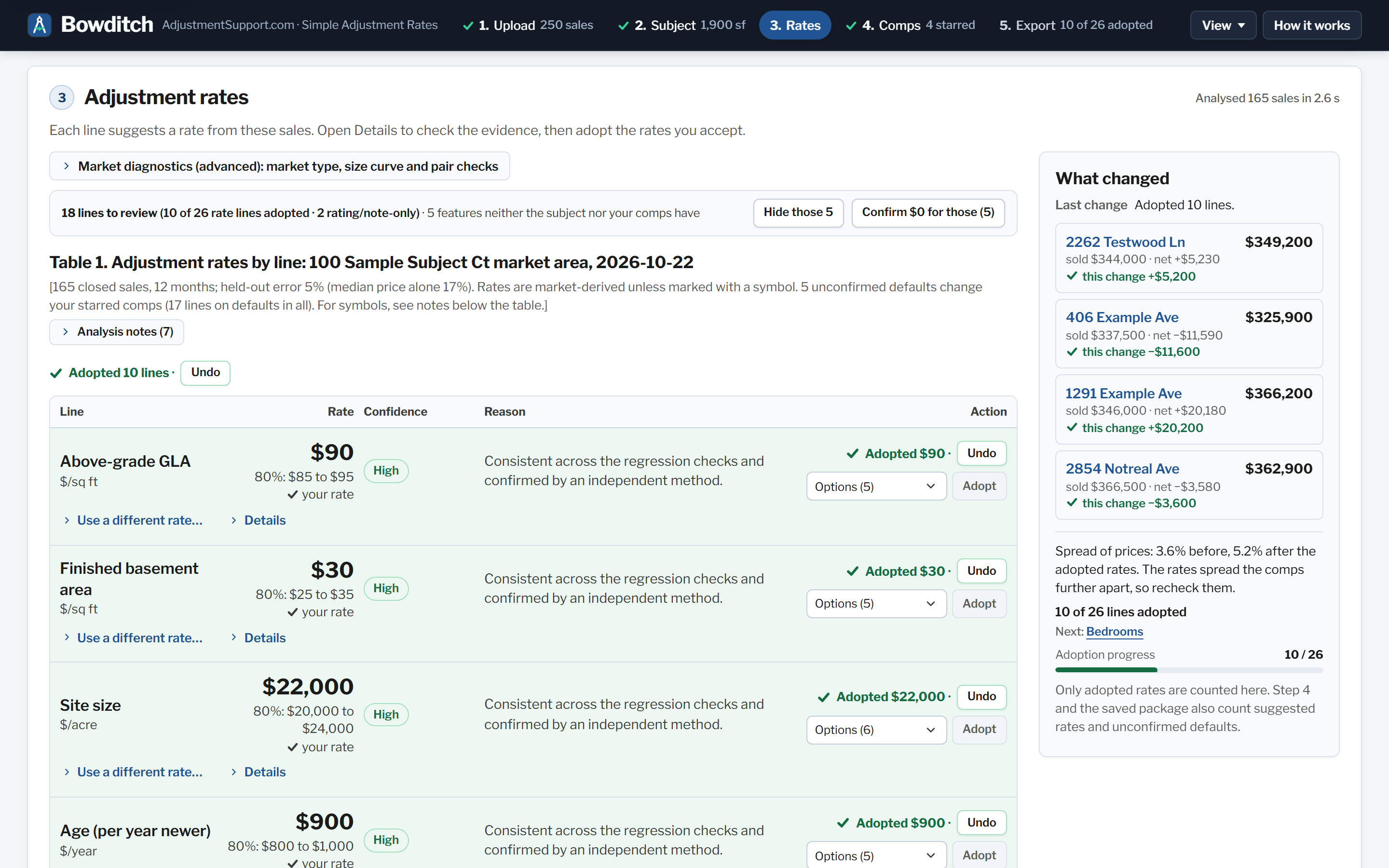
As soon as closed sales load in Steps 1 and 2, Bowditch classifies your pool into one of four density regimes (Rural / Thin, Local, Suburban, or Dense Urban) using closed-sale depth, geographic spread, and typical lot sizes, flagging thin pools (n < 40) and very thin pools (n < 15, paired sales only). Click Apply Regime Defaults to set the suggested look-back window, map mileage rings, distance radius, and local-weighting tightness in one click without ever auto-adopting any adjustment rate.
Opt-In Free Federal Site Context & Offline FHFA HPI
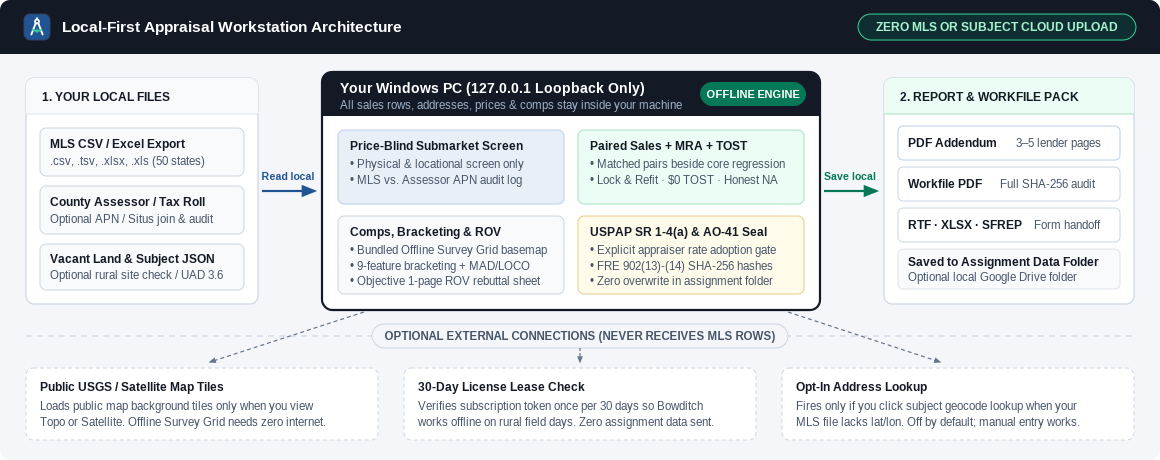
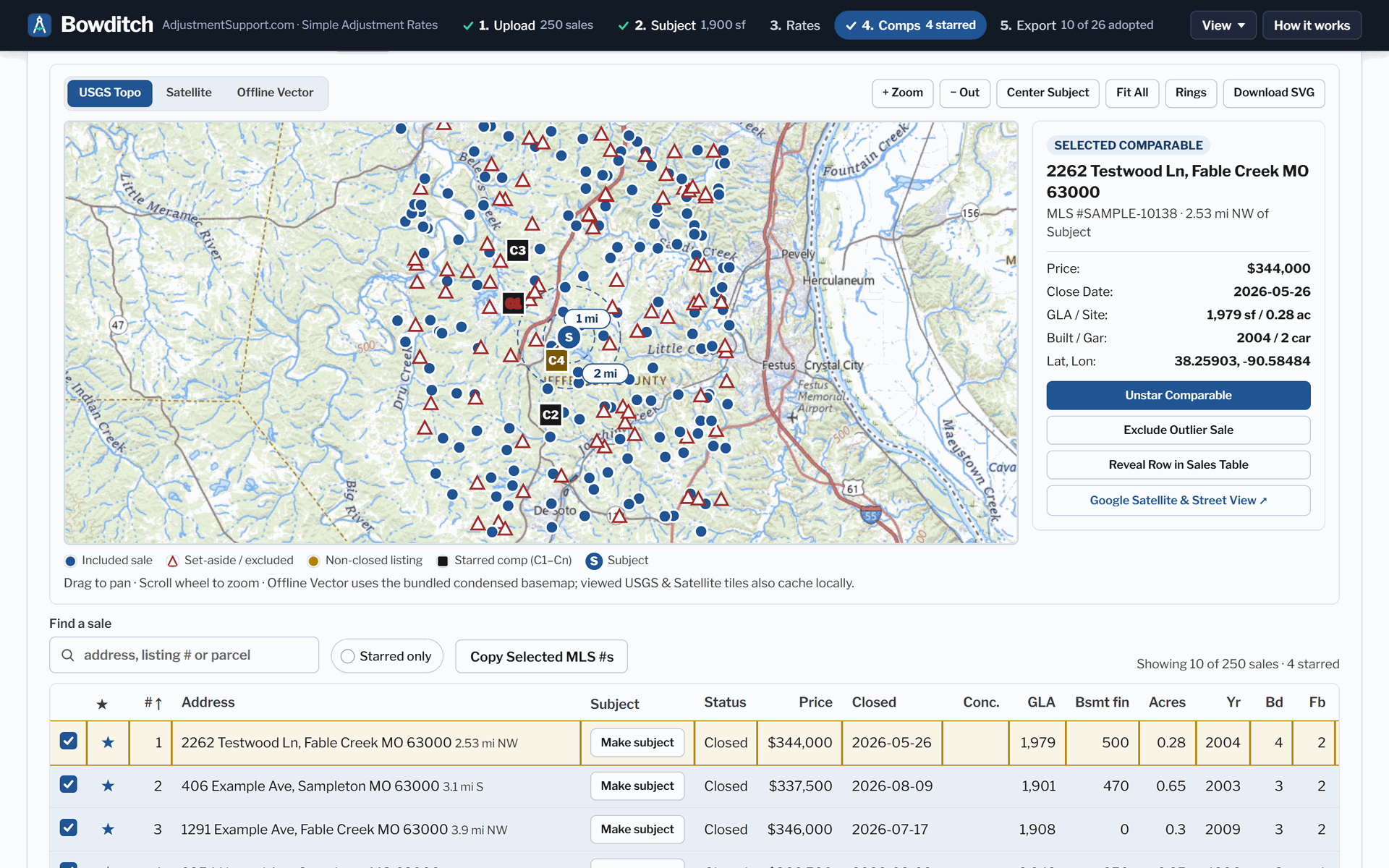
Click Check Free Federal Flood / Elevation / Geocode Context under Where and when to query public U.S. government data directly from your PC: FEMA NFHL Flood Zone (SFHA status, FIRM panel, effective date, BFE), U.S. Census Tract & urban/rural class, TIGERweb 350m proximity (interstates, highways, railroads, water), USGS 3DEP Elevation (with subject-vs-comp elevation deltas), and the bundled offline FHFA HPI benchmark (state/MSA YoY and monthly pace), highlighting subject-vs-comp flood or external-factor mismatches. Strictly OFF by default, zero cost and zero API keys, zero borrower or MLS sales sharing, and zero Fair Housing demographics.
Fill Subject from Export or Import Subject JSON
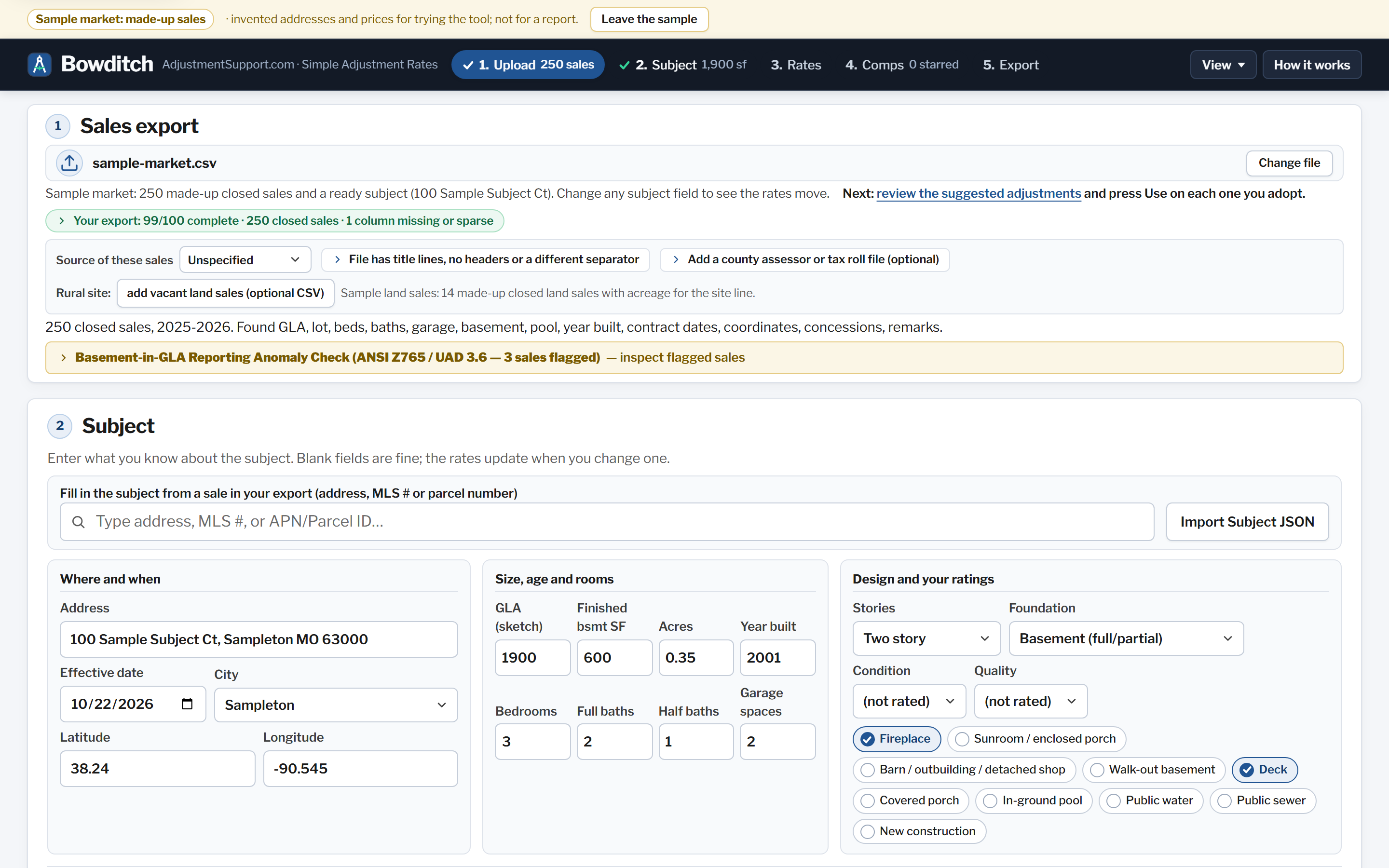
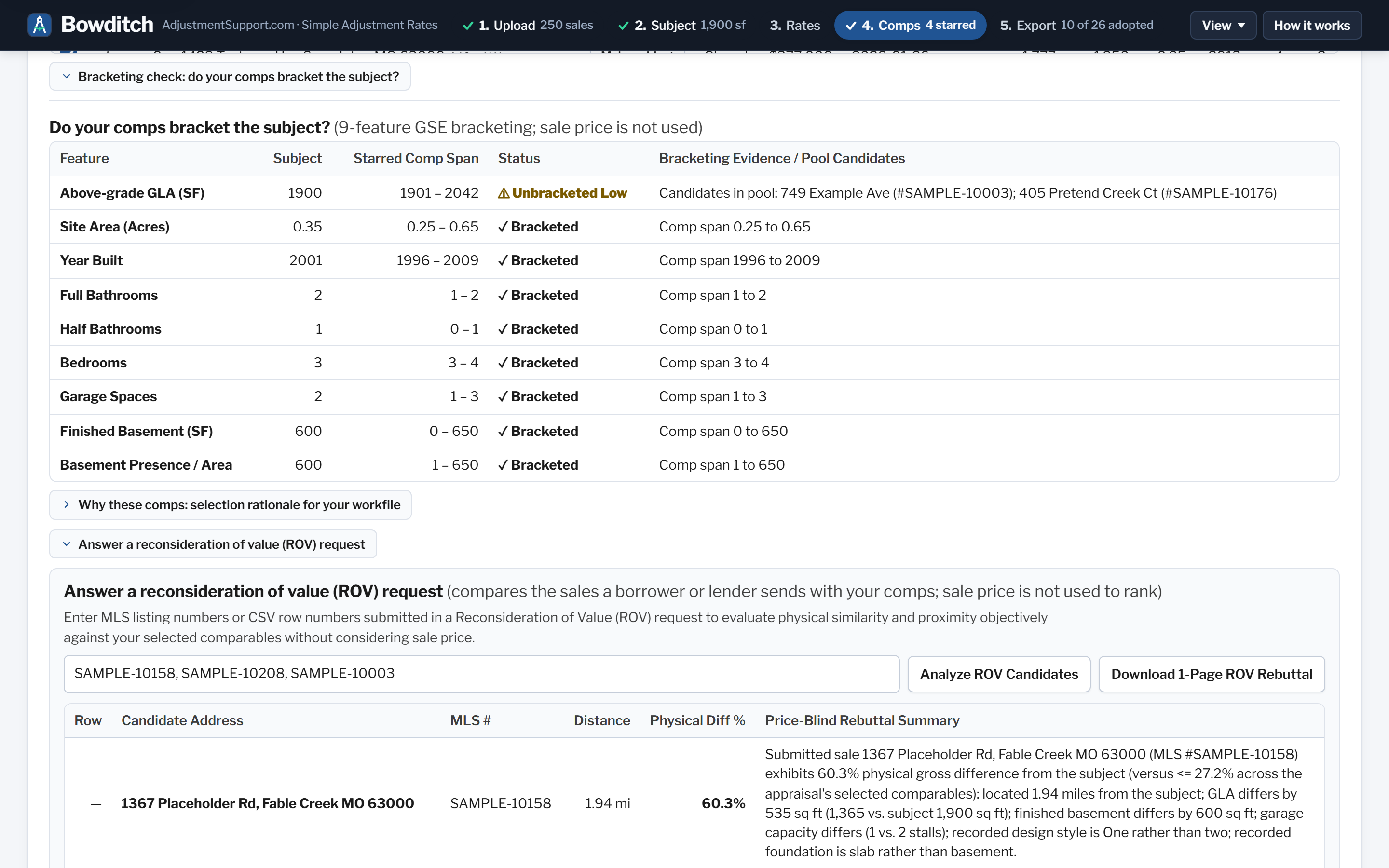
Use the search combobox (Fill in the subject from a sale in your export) to prefill fields by address, MLS #, or parcel number, with a confirmation guard so an existing subject is never overwritten accidentally. You can also click Import Subject JSON to load UAD 3.6 extractor or handoff JSON directly, and set Condition (C1 to C6) and Quality (Q1 to Q6) ratings used strictly on your starred comps.
Saved Neighborhood Profiles
Appraise the same town or rural corridor frequently? Open Saved neighborhood profiles to save your tested look-back months, max mileage cap, city toggles, and local-weighting settings under a memorable name (for example, Suburban 12mo) and apply them in one click on future assignments.
Whole Market (N) vs. Screened Competing Segment (n)
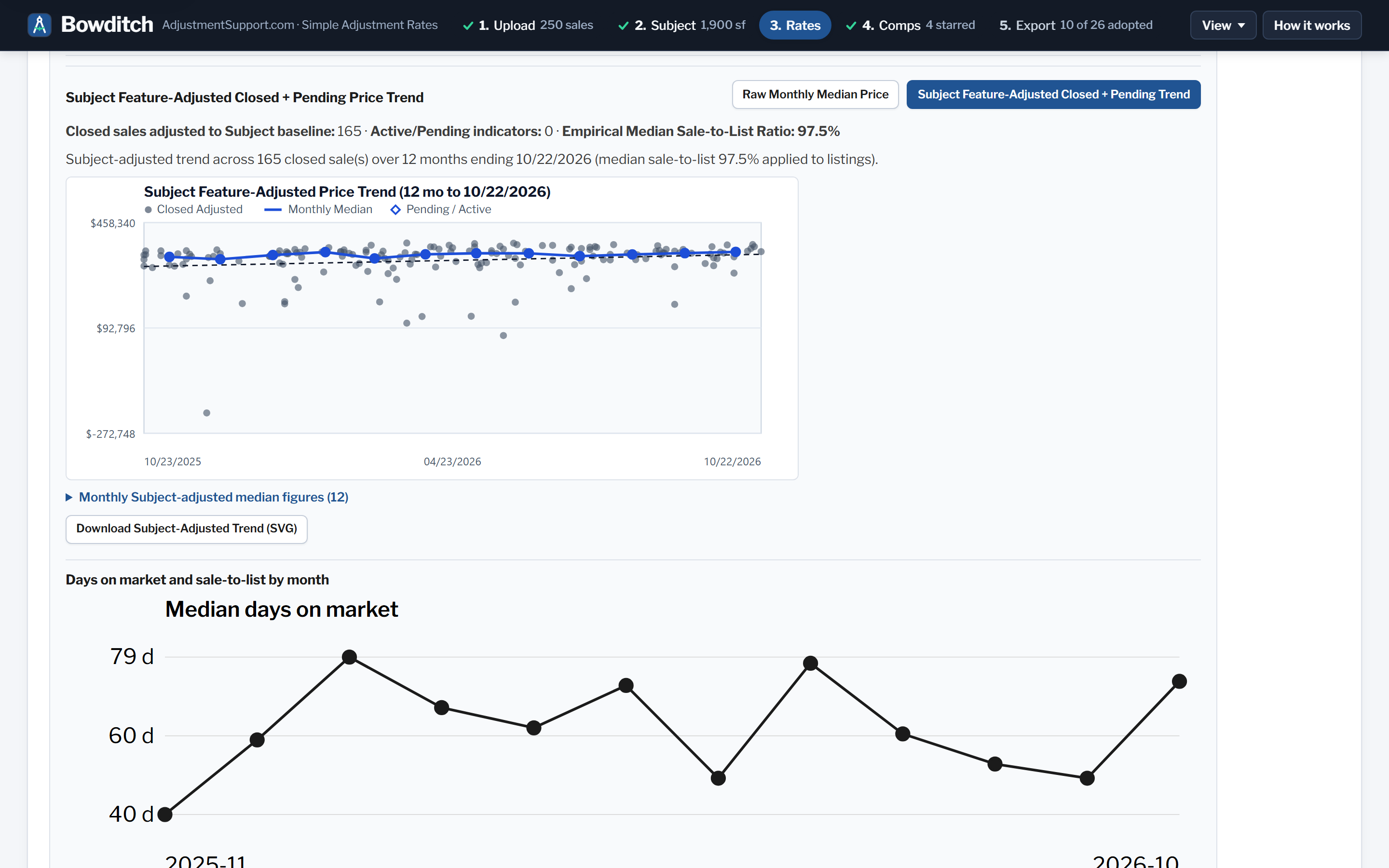
Under Market settings, Bowditch defaults to Auto look-back (12 months, widening up to 36 only when closed sales are thin), excludes REO/short-sale/auction distress unless checked, and lets you compare the broad CSV against your screened competing segment. If you band by price segment, keep Expected price (recommended) selected, because banding by actual sale price biases rates toward $0 and withholds suggestions. Optional ADU rent/GRM and solar inputs stay strictly separate as non-market indicators.
4-Quadrant Outlier & Leverage Check
Expand Sales that may pull the rates off (outlier check) to inspect every closed sale classified via outlier-resistant Mahalanobis feature distances and heavy-tailed Student-t regression:
- Regular: Typical physical specs and market-consistent price.
- Good Leverage: Unusual physical specs (large GLA or acreage) whose price confirms market slope (kept for bracketing).
- Vertical Outlier: Typical specs with an anomalous price (verify distress, undisclosed concessions, or family sale).
- Bad Leverage: Atypical specs and anomalous price (flagged for high slope-distortion risk).